FDIE starts with firmware images you are authorised to analyse. It extracts supported filesystems and binaries, identifies components, matches vulnerability intelligence, runs supported checks and records evidence for analyst review. The application is at fdie.magdox.io; all public documentation, pricing and policies are on magdox.io.
| Stage | What to do | What to retain |
|---|---|---|
| Prepare | Confirm image ownership, format, release identity and handling requirements | Image hash, authorisation and product context |
| Analyse | Upload to the selected hosted or on-premises FDIE deployment | Job state, assessed stages, warnings and unassessed areas |
| Review | Validate component identification, advisory applicability and runtime observations | Evidence, reviewer, rationale and unresolved questions |
| Compare | Choose analysed releases from the same product lineage | Component/function delta and reviewed carry-forward decisions |
| Deliver | Export reviewed inventories, VEX and assessment evidence | Assessment scope, feed context and recipient requirements |
Choose the product by input
Code Security scans source repositories locally through the magdox CLI. FDIE processes firmware within the FDIE deployment you select. They are separate products from the same company, with separate subscriptions and evidence stores. A Code Security upload flag does not govern FDIE firmware uploads.
Start your first FDIE assessment
Choose a useful first assessment
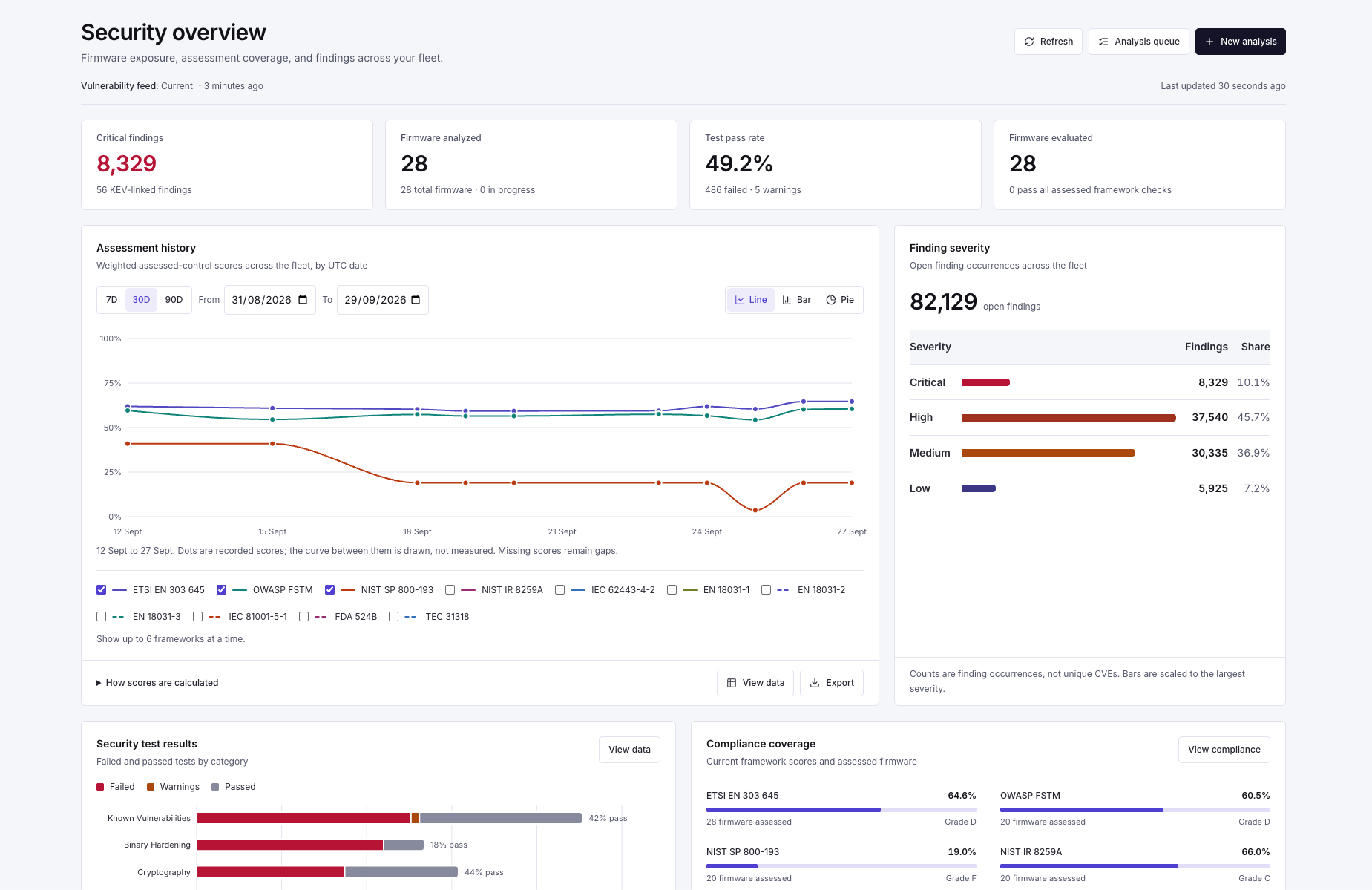
Start with a firmware image your engineers already understand. A known component, a previous finding or a documented update gives the team something concrete to compare with the automated result. Keep the product, version and source of the image in the review record.
- Open the image's coverage before reviewing the total finding count.
- Inspect one identified component and trace it back to its recovered path or other available evidence.
- Review one candidate vulnerability with an engineer and record the applicability decision.
- Export the artifact your release process needs and check that a second reviewer can interpret it.
For a release-comparison evaluation, repeat the process on a related image. Compare the coverage and intelligence context on both sides before using the delta as evidence of a firmware change.