Know what is inside every firmware you ship
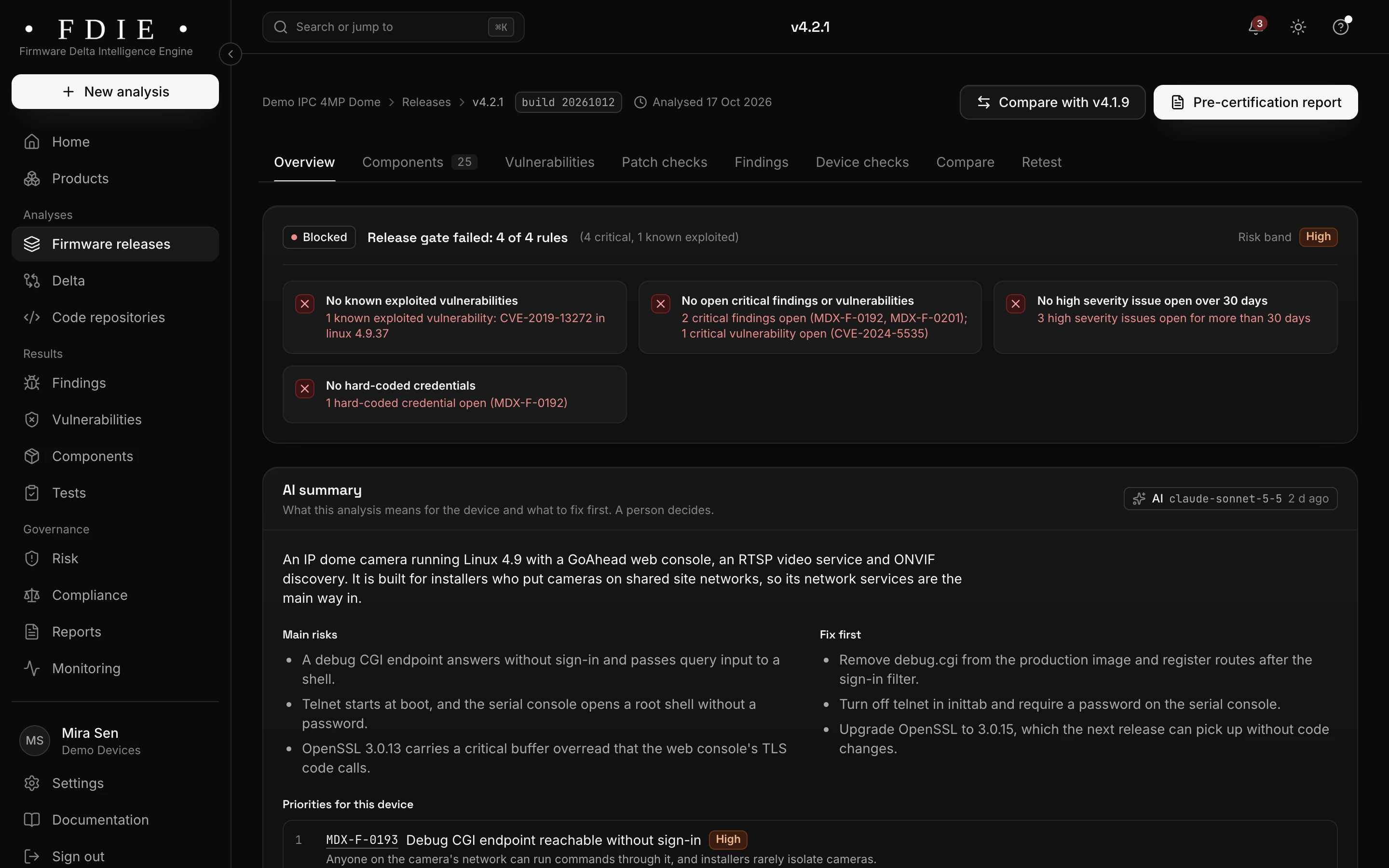
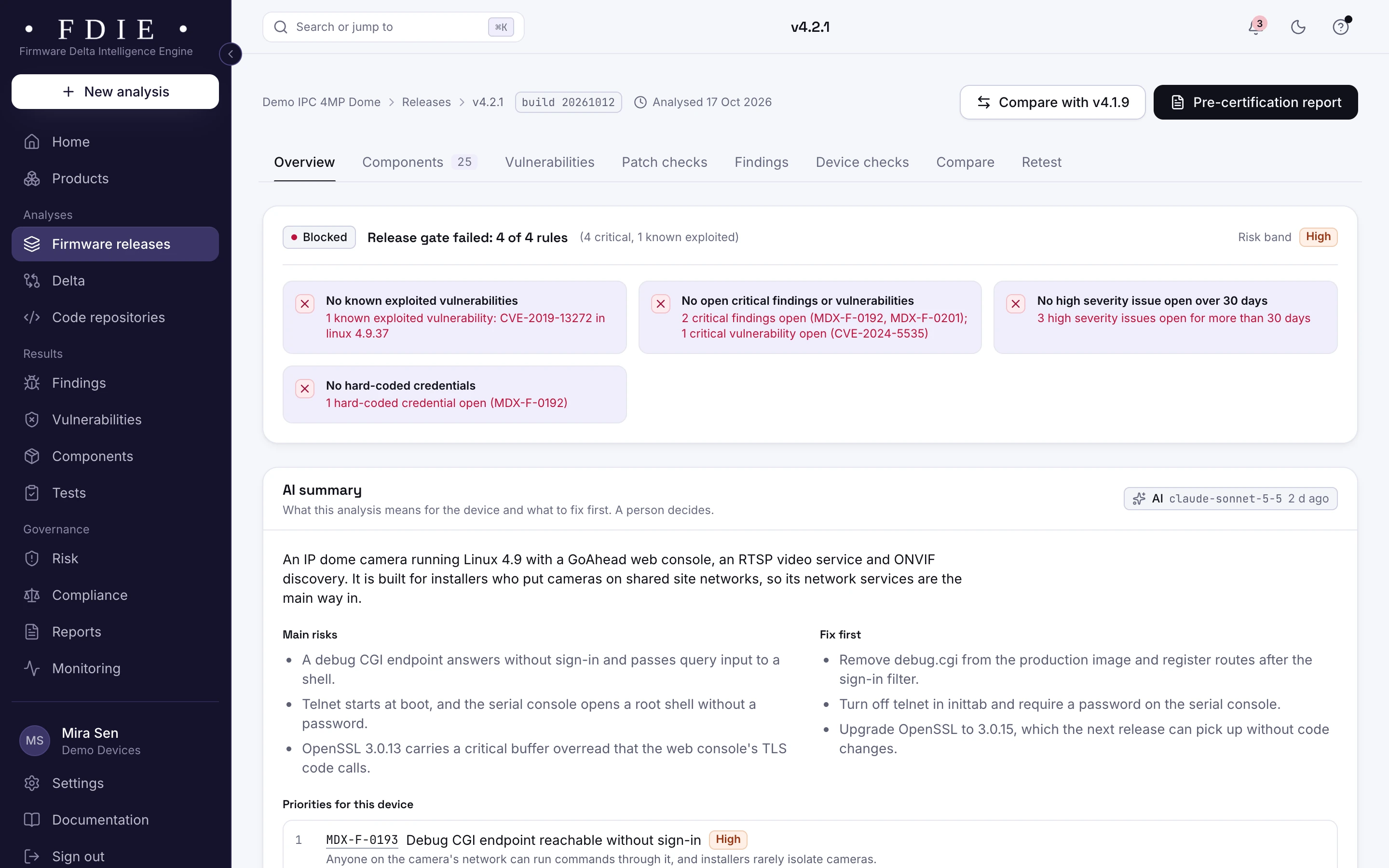
Your firmware carries code from chip vendors, open-source projects and contractors. See every component, known vulnerability, secret and failing check in it, and what changed since your last release.
See what the SDK put in your image
Upload an image of up to 8 GiB, or import one from a GitHub or GitLab release. Our own readers unpack Linux file systems, vendor wrappers and bare-metal images such as ESP32 and Cortex-M, then disassemble the programs. What cannot be read is listed as a coverage gap.
- Firmware image
- File systems
- Programs
- Components
- Findings
- 22 instruction sets disassembled, from ARM and MIPS to Xtensa and RISC-V
- Containers unpacked up to six levels deep
- Archive and decompression bombs refused
Know which flaws attackers already use
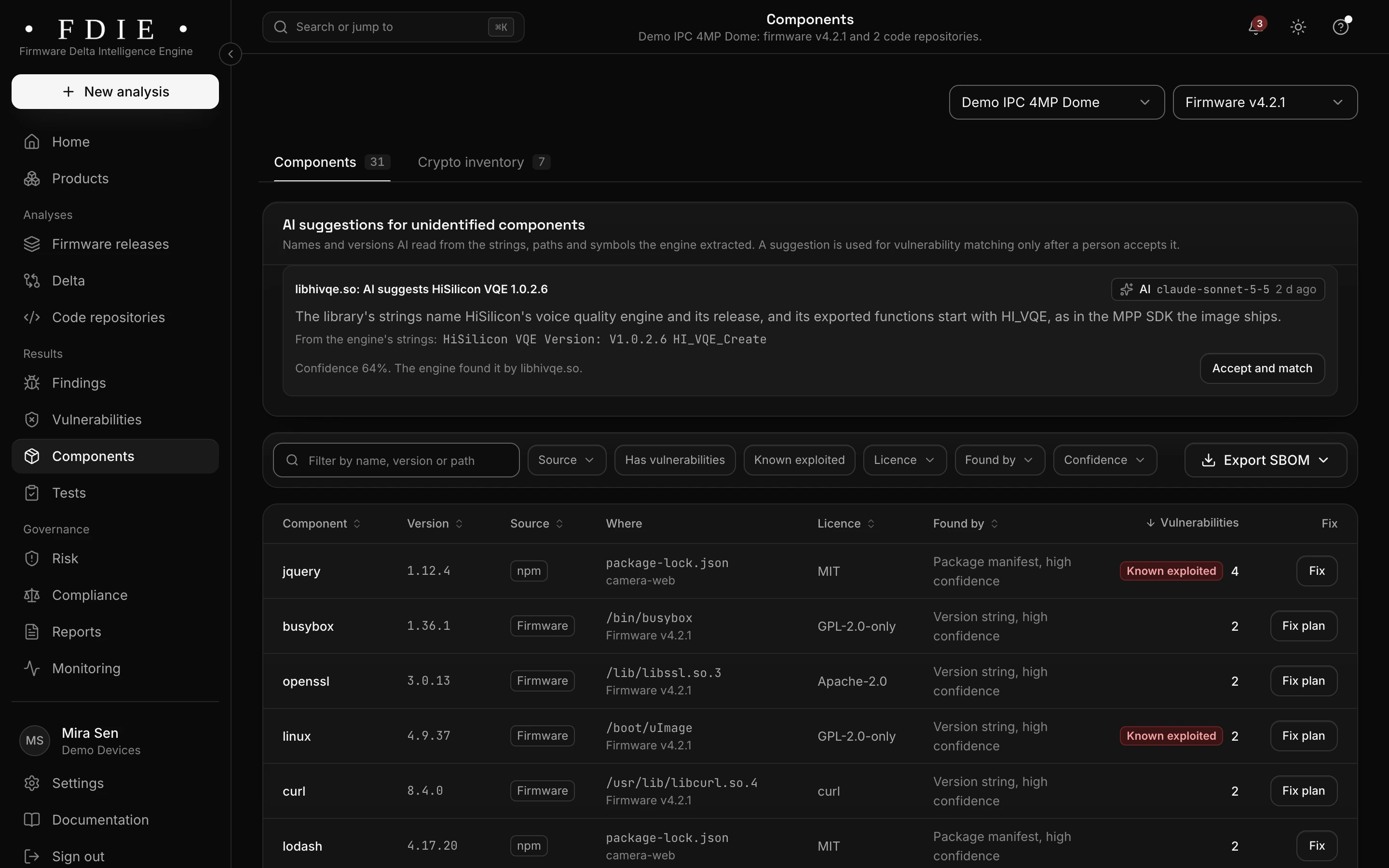
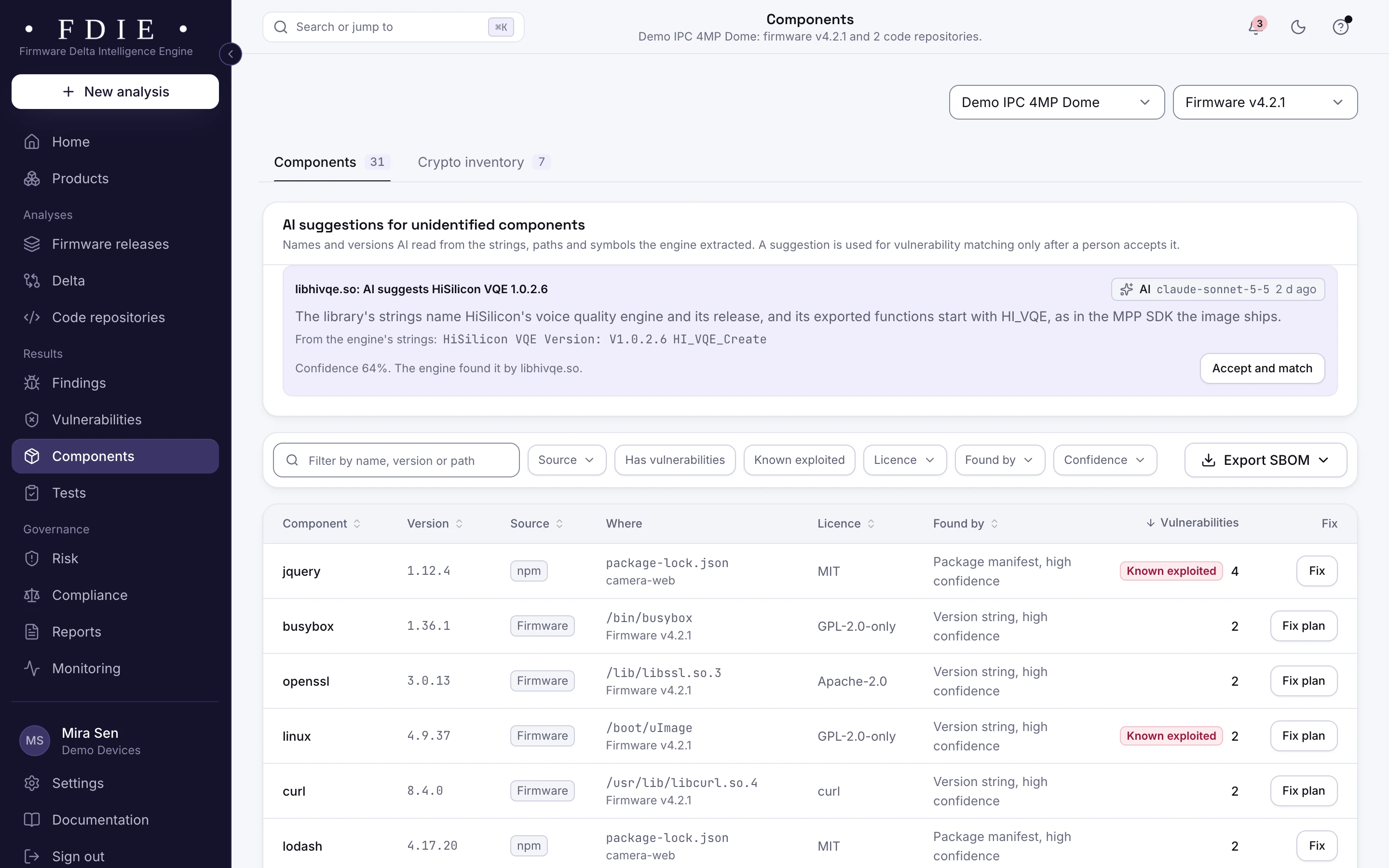
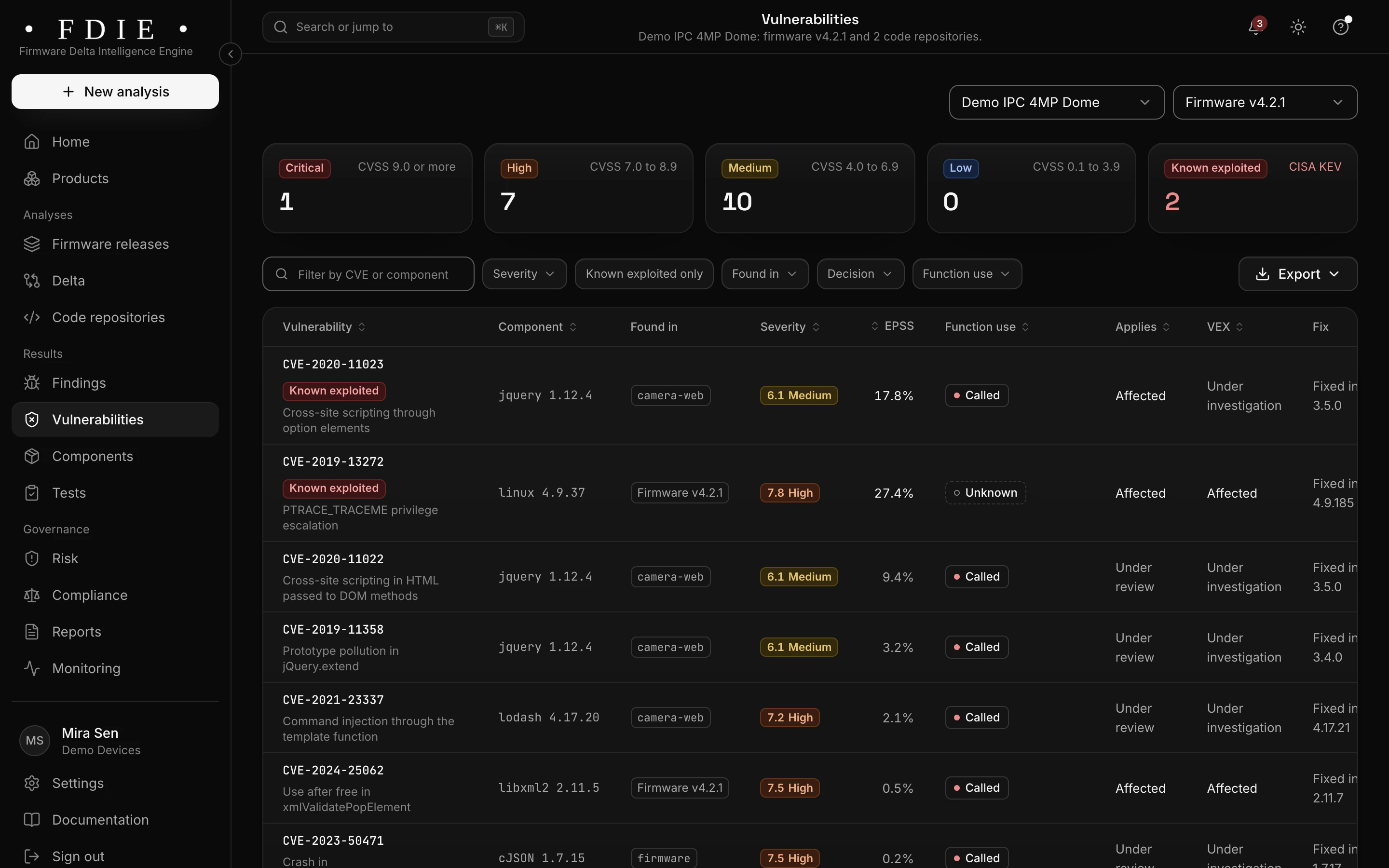
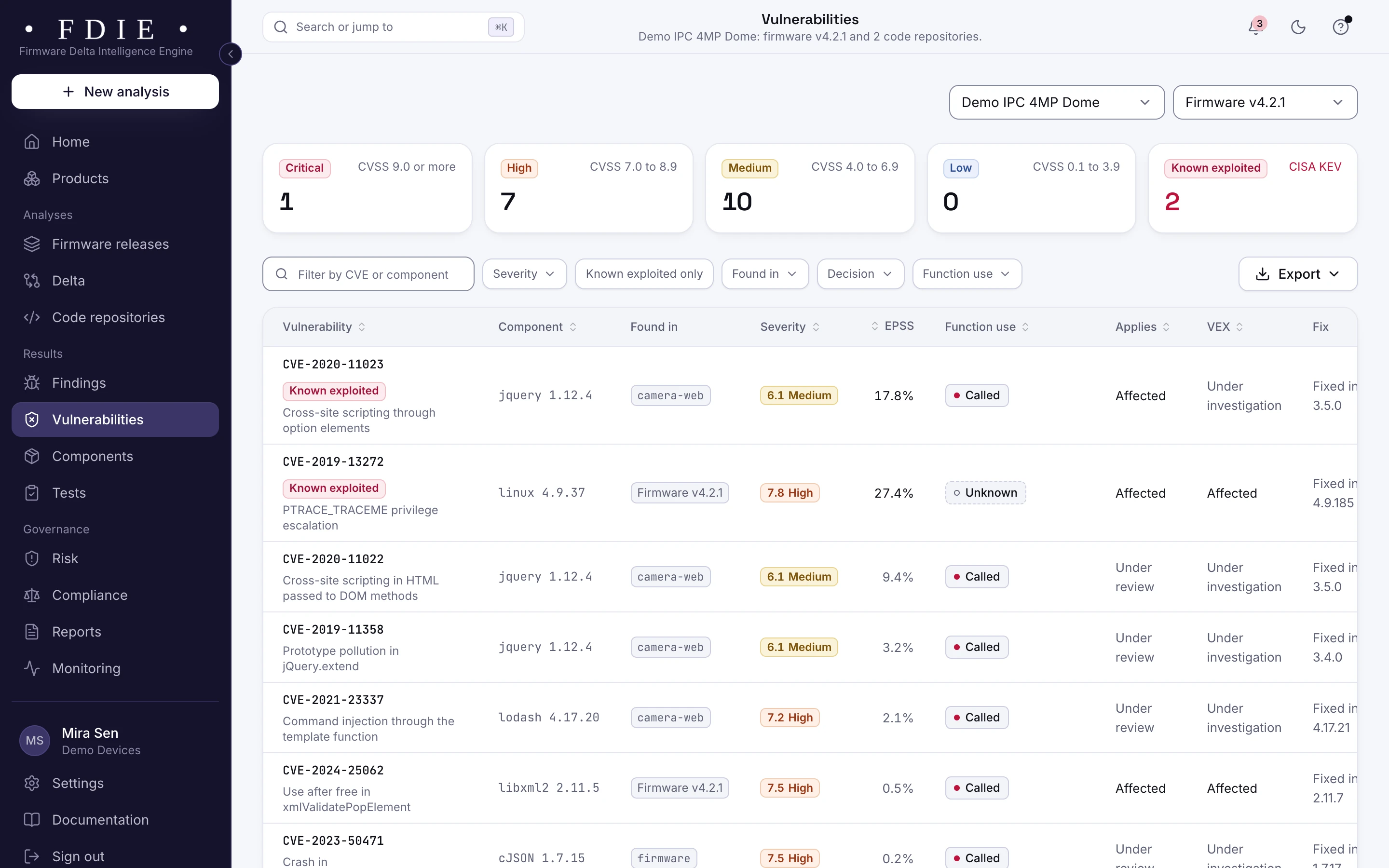
Every component with its version and licence, exported as a component list (SBOM) in CycloneDX 1.6 or SPDX 2.3. Components are matched to NVD and OSV, ranked with CISA KEV and EPSS, and function use says whether your programs call the vulnerable function. Your team records VEX statements, exported as CycloneDX, OpenVEX or CSAF 2.0.
- Known exploited vulnerabilities first, from CISA KEV
- Severity, EPSS probability and the version that fixes each one
- SBOM per release, per product or per repository
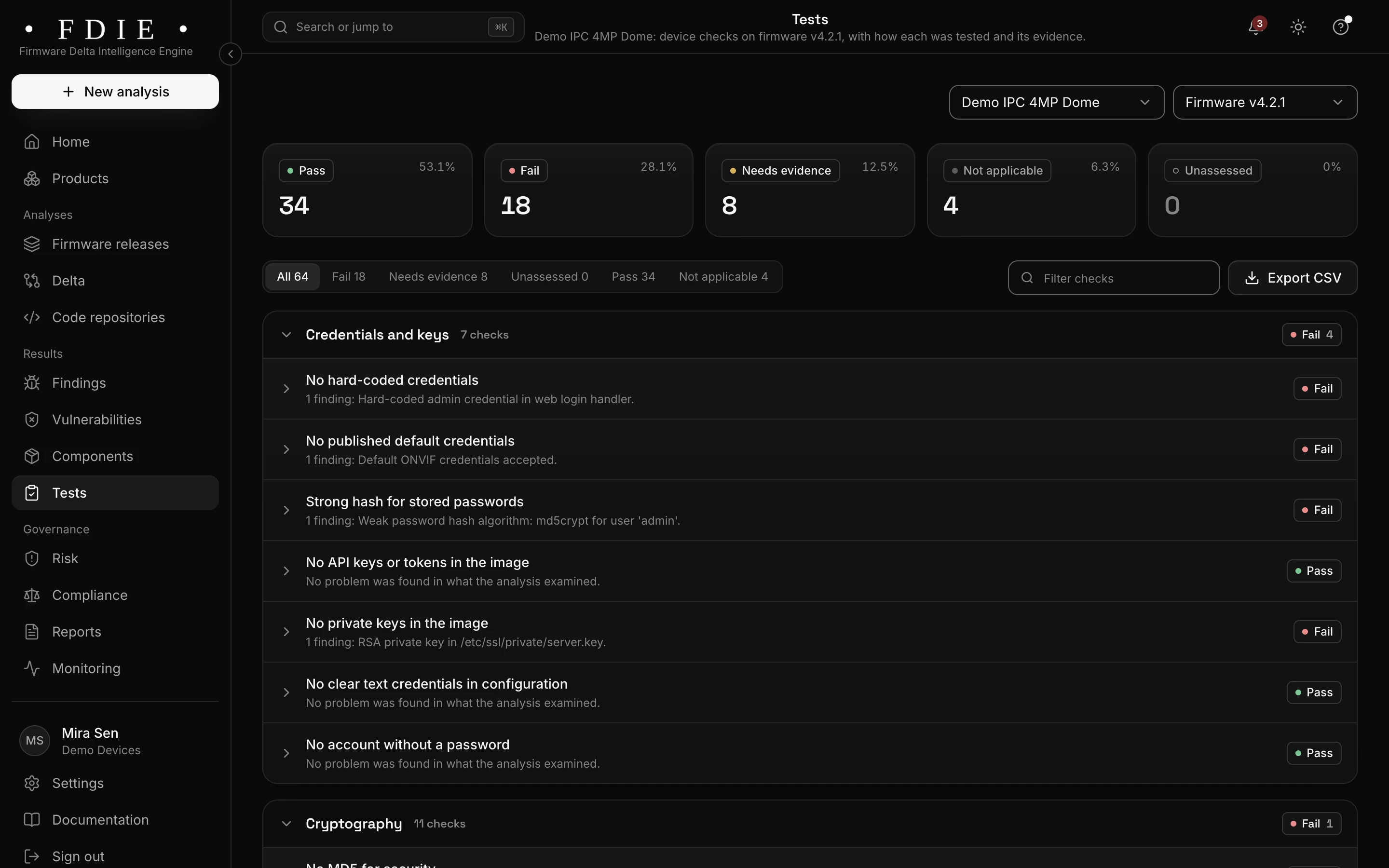
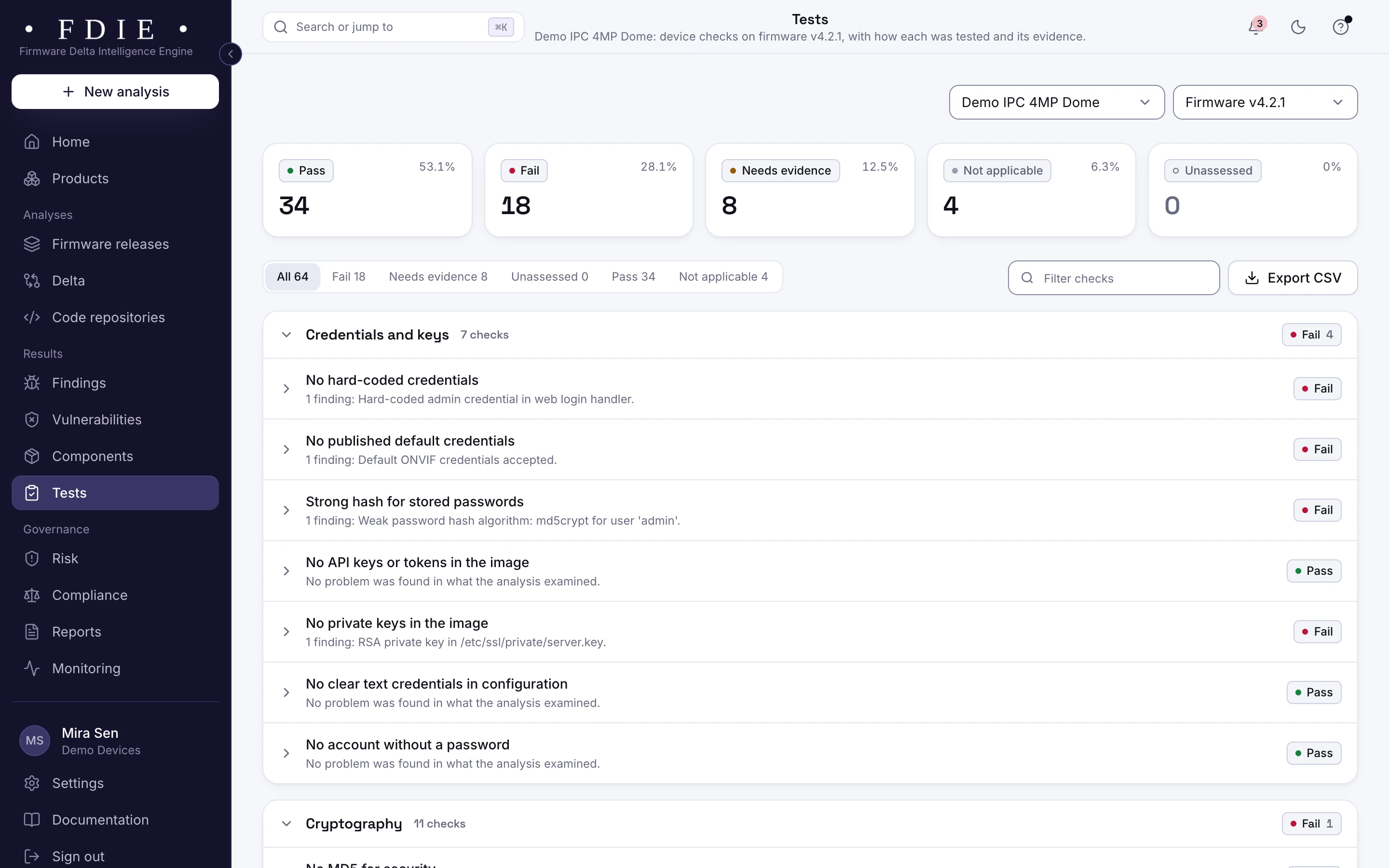
64 device checks, mapped to lab requirements
A check passes only when every test behind it ran clean. When an image cannot decide, the check says what evidence it needs.
- Credentials and keys
- Cryptography
- Binary hardening
- Secure boot
- Updates
- Attack surface
- Known vulnerabilities
- Scripts and web interface
- Runtime behaviour
Find default passwords and keys left in the image
Hard-coded passwords, private keys, tokens and default camera accounts are found in images and in source code, and shown masked. The crypto inventory lists keys, certificates and algorithms, and flags weak ones such as MD5, DES or RSA keys under 2048 bits.
- 58 credential formats recognised in source code
- Evidence masked before results leave the engine
- The release gate can fail on any hard-coded credential
Prove an update fixed what it promised
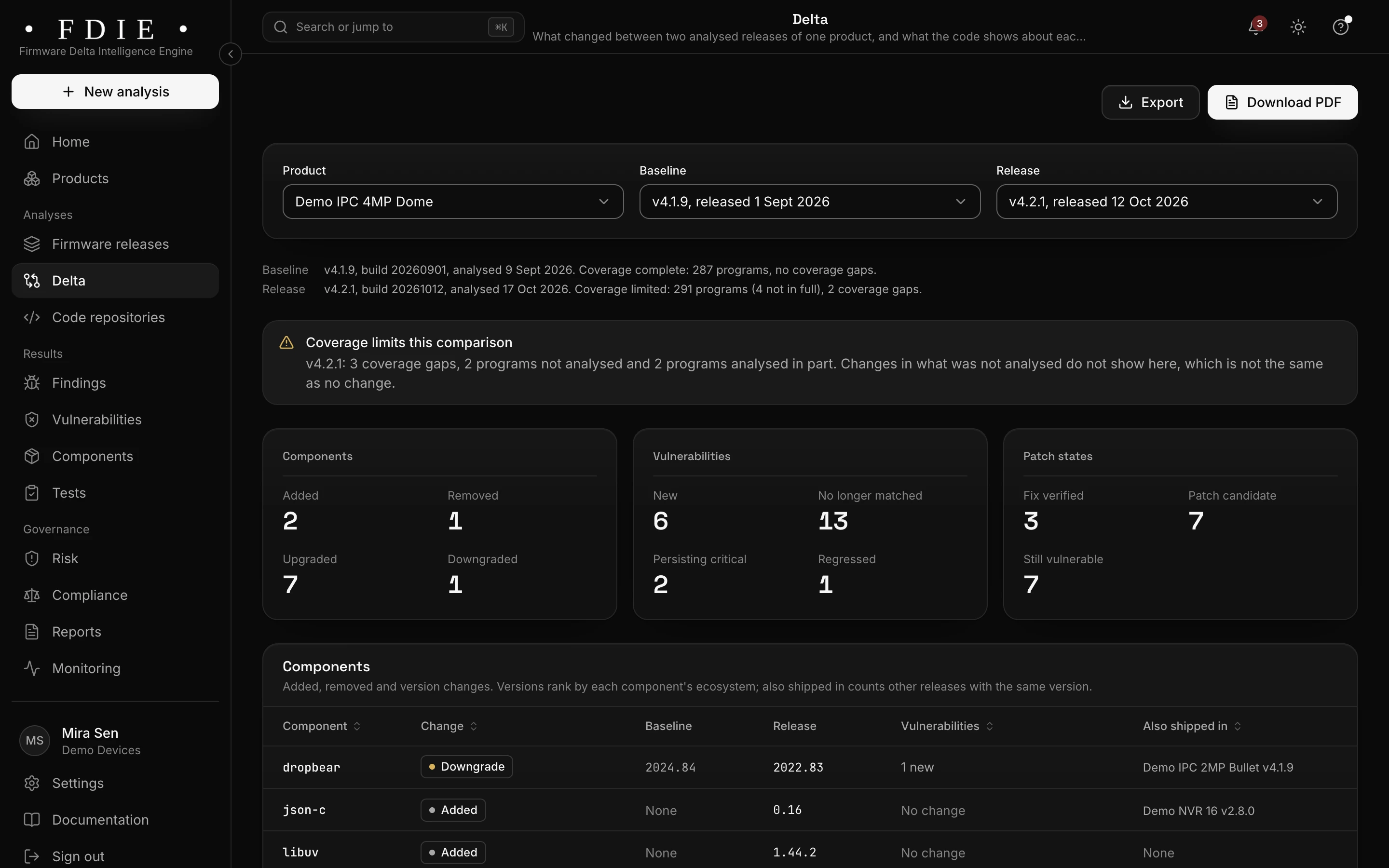
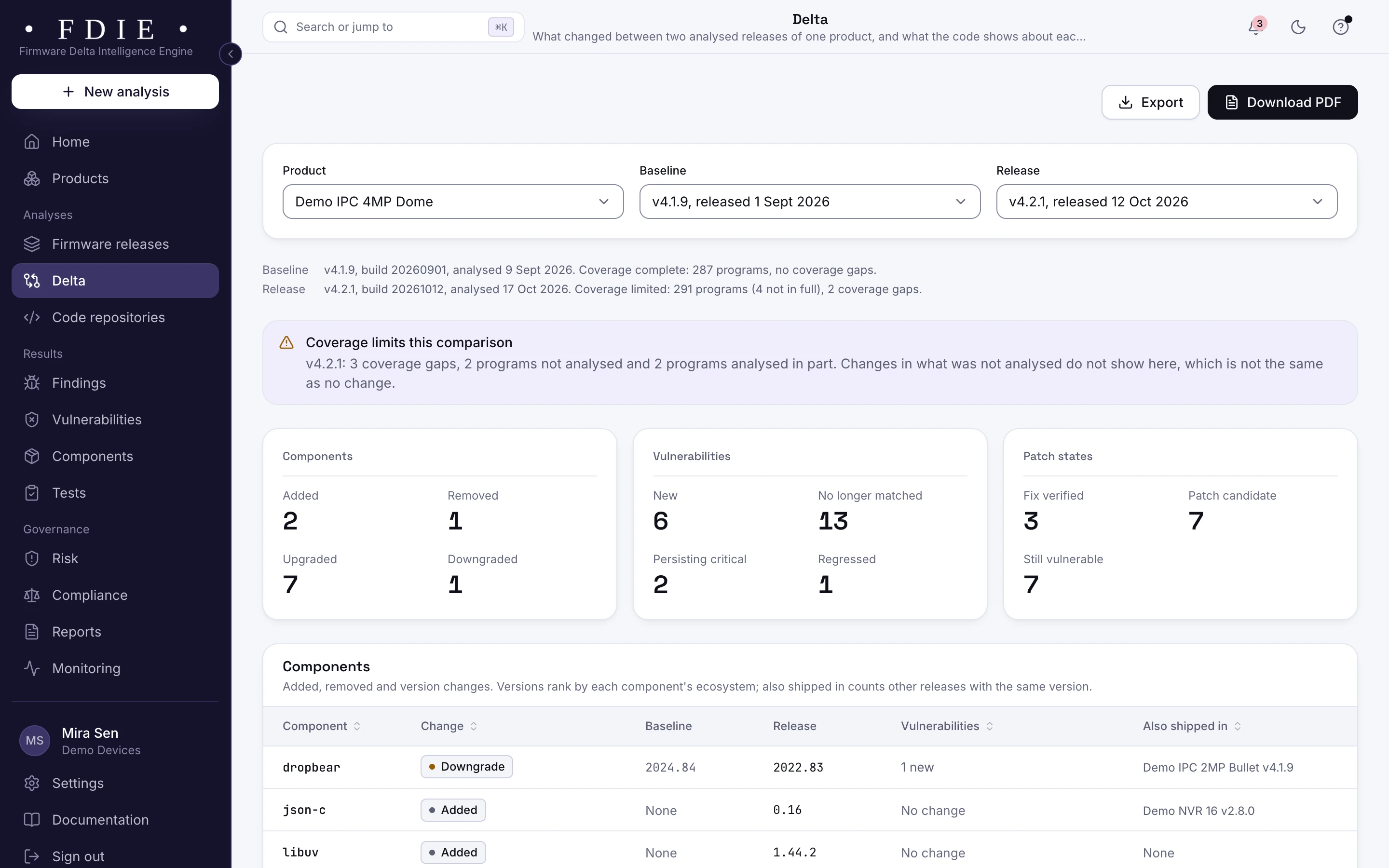
Compare two releases: components, vulnerabilities, programs and functions, findings and device checks. Patch checks read the disassembled code and give each vulnerability a state, fix verified, patch candidate or still vulnerable, even when the version string did not change.
- Components added, removed, upgraded and downgraded
- The last release's open findings retested on the new one
- A delta report to share as a PDF
Fix it in the code, not just the image
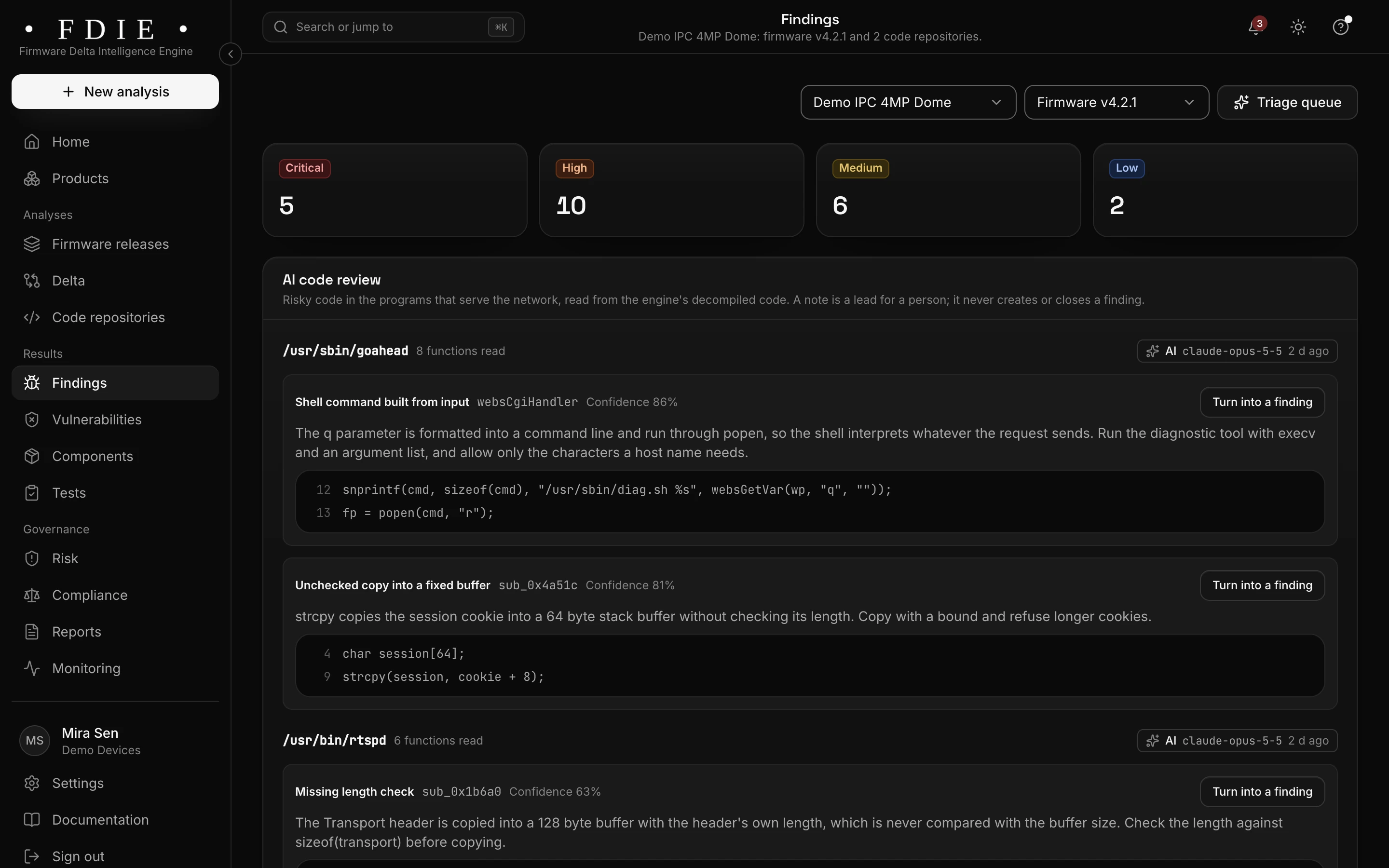
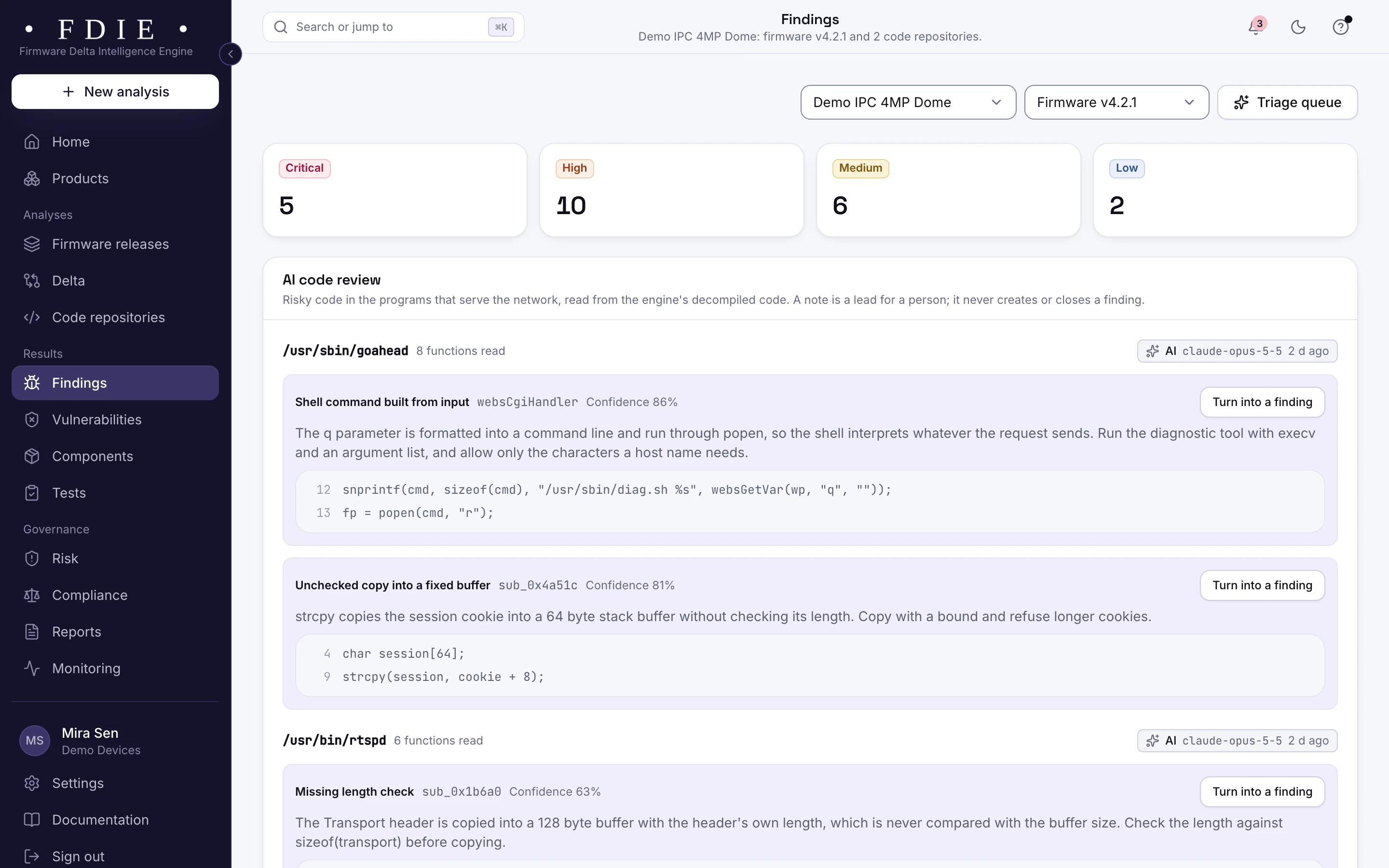
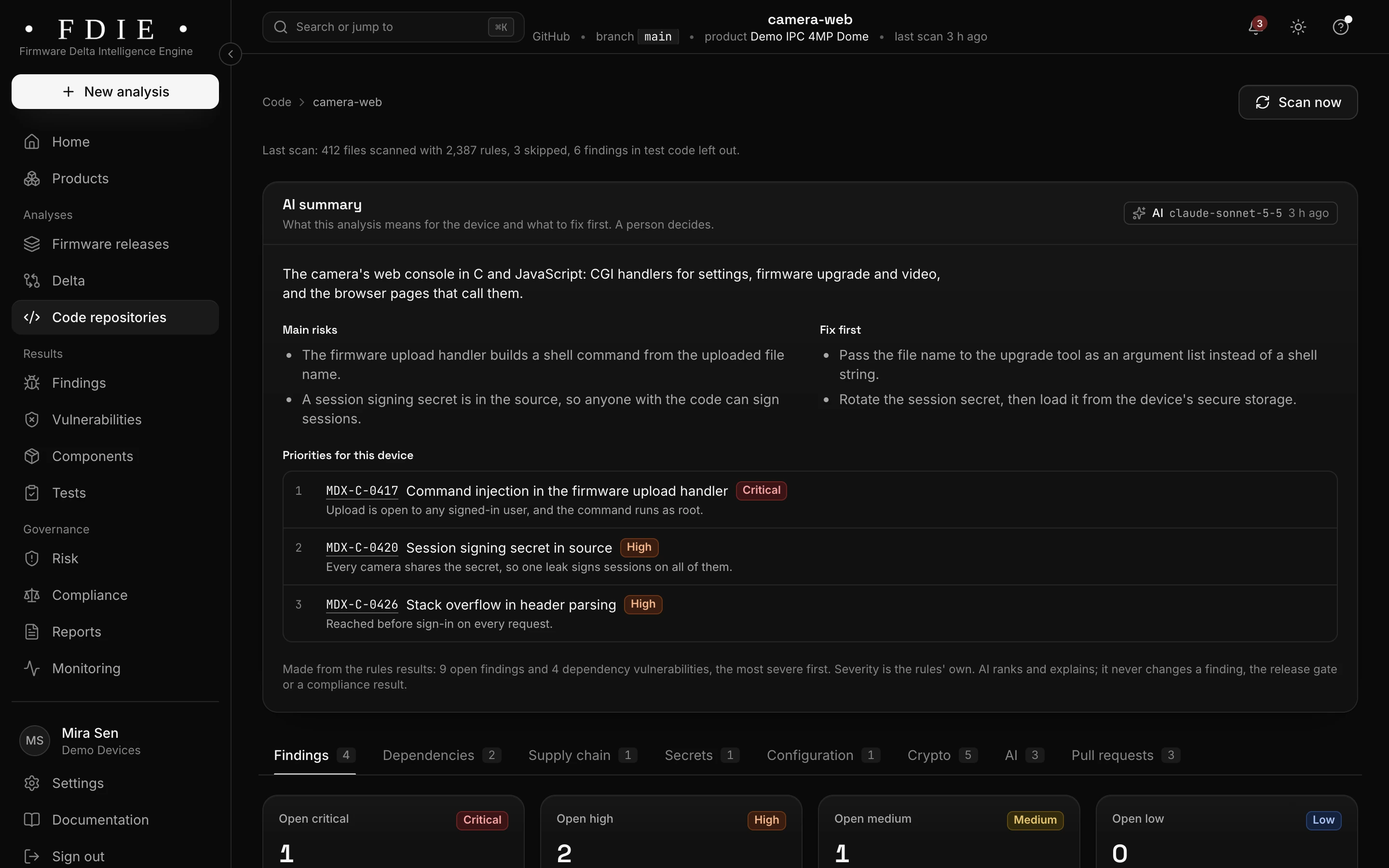
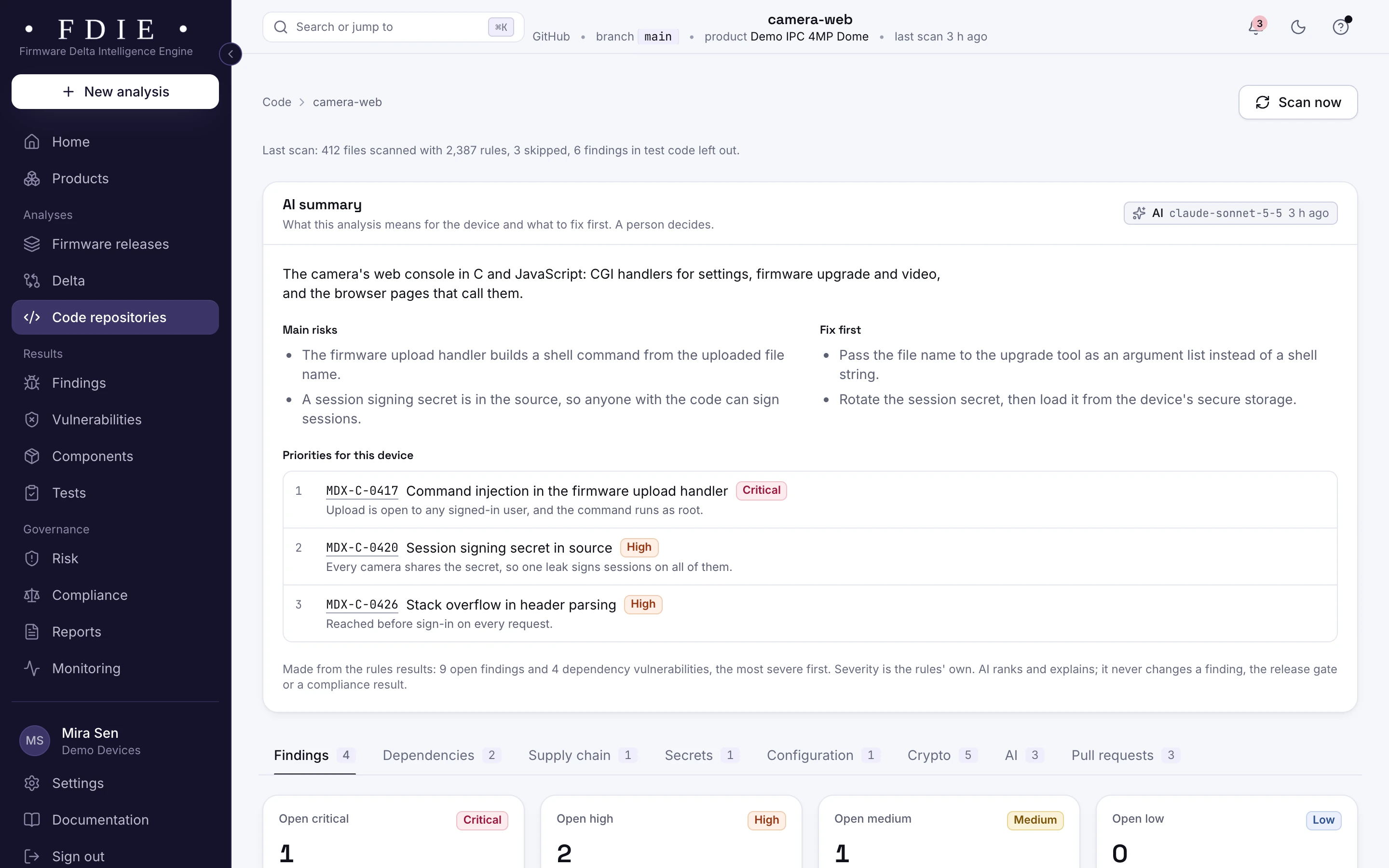
Connect GitHub, GitLab, Bitbucket or Azure DevOps, or upload an archive. 1,774 rules read firmware and device code first: embedded C and C++, Lua, shell and CGI scripts, device web interfaces and build configuration, plus your companion app and cloud backend. Exact dependency upgrades open as pull requests on a new branch, never merged for you.
Languages and rules- Untrusted input traced across files, up to three calls deep
- Automatic upgrades: one pull request per package, at most five open
- Code findings beside the firmware findings of the same product
Hold a risky release, and hear about new flaws first
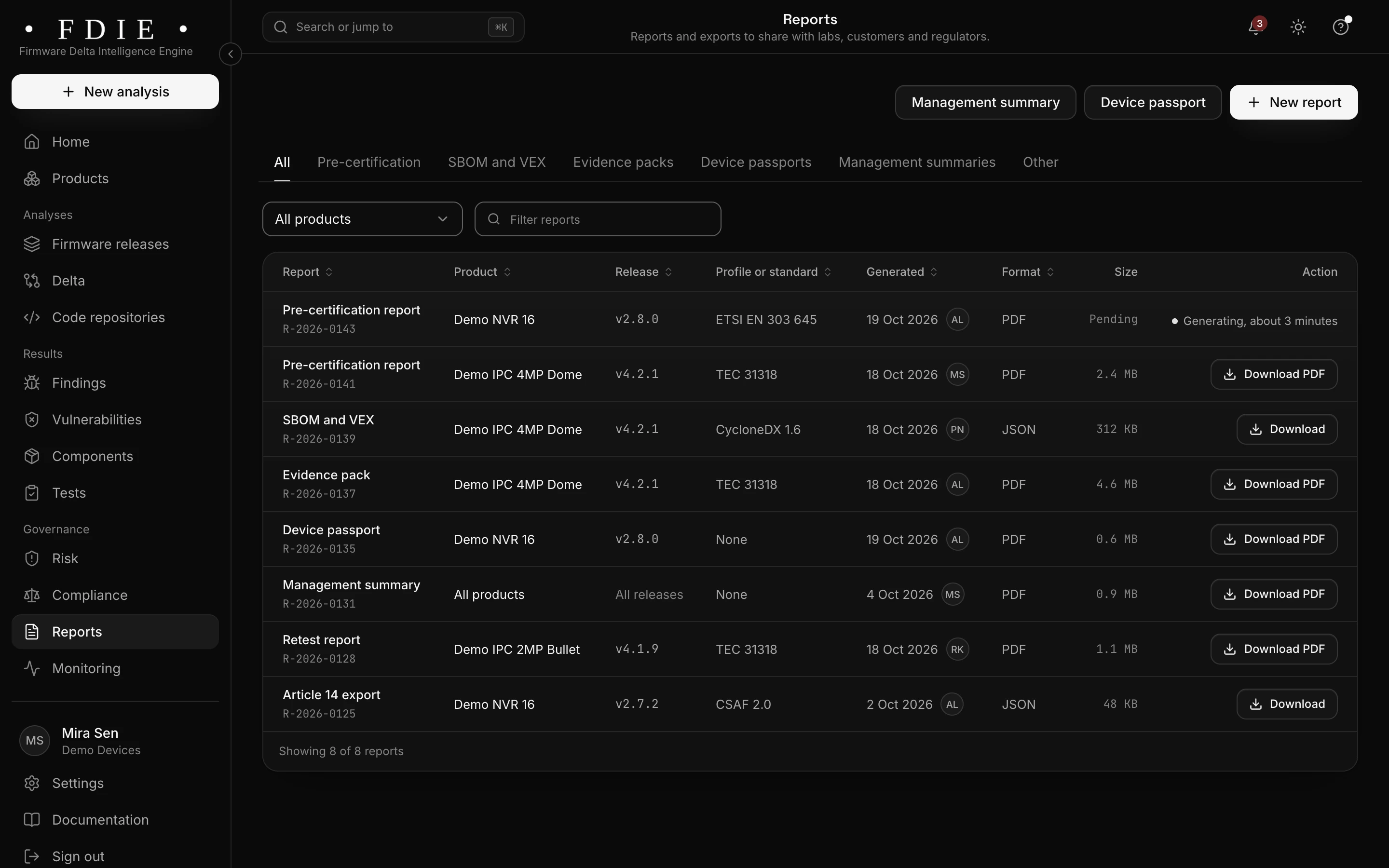
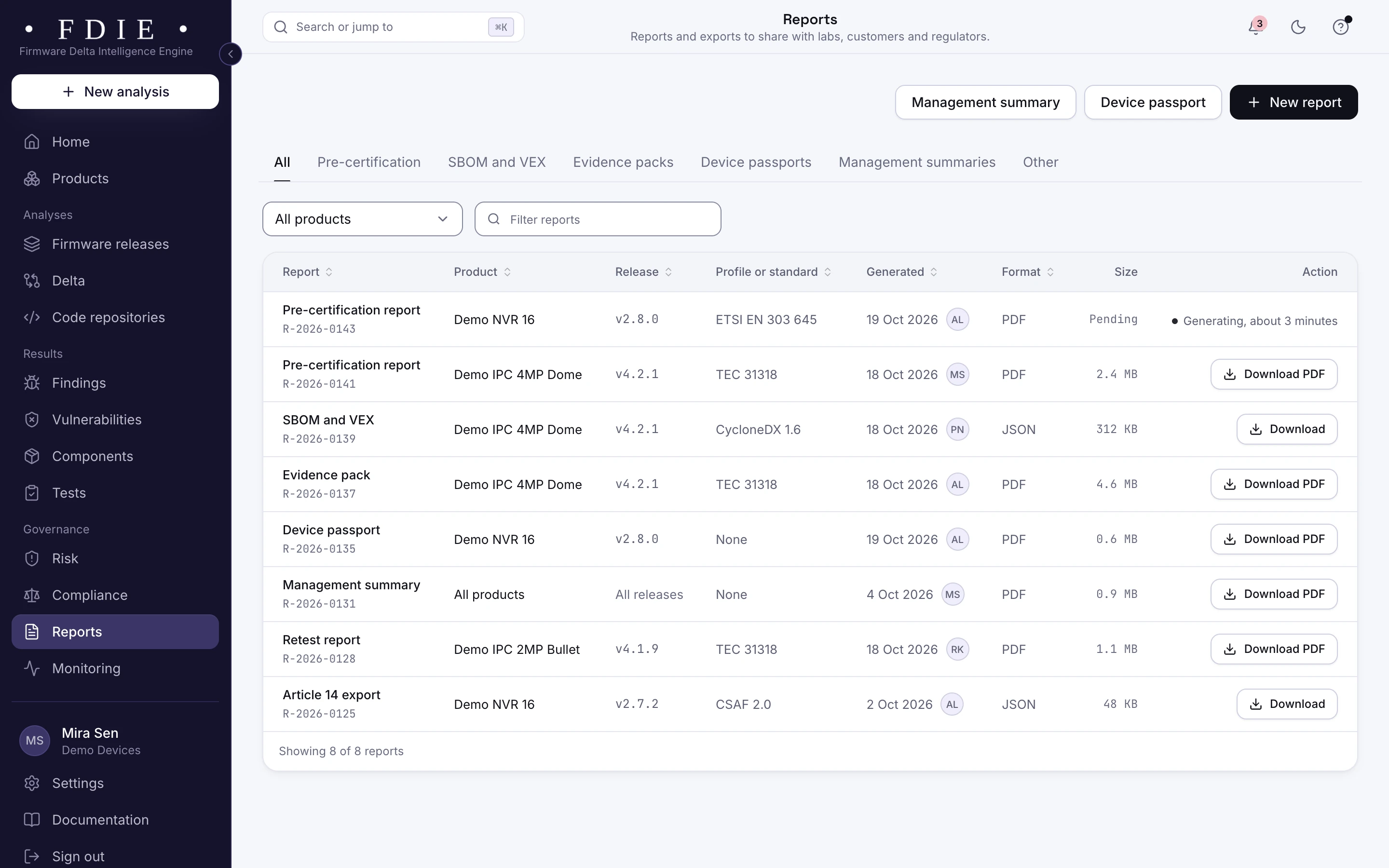
Your release rules say ship or hold, with the reasons, and accepting a risk takes a second person. Shipped releases are matched against new vulnerability data every day, with alerts by email, Slack, Microsoft Teams and webhooks. Reports are signed PDFs: pre-certification reports, evidence packs, SBOM and VEX, device passports and management summaries. A CI token lets your pipeline upload each build and fail on the gate.
- Quiet hours from 22:00 to 07:00 India time, never for known exploited alerts
- Reports signed with Ed25519
- A release check step for Jenkins, GitHub Actions, GitLab CI, Azure DevOps and Bitbucket, ready in the app
AI on your own key
AI-powered firmware security. Bring your own AI key; without one, every result still comes from our rules and engines. It explains findings, proposes triage and suggests code fixes that a person opens as pull requests. AI summaries, priorities, reverse engineering help and the other AI tasks in every analysis are being added.
OpenAI-compatible APIs, Anthropic, Google Gemini, Amazon Bedrock, Azure OpenAI or your own model server. Your own AI tools can read results over MCP.
Emulation, in our lab
Measured on 19 October 2026 in our lab, on 87 real firmware images (routers, cameras, a NAS, single-board computers and microcontrollers): 51 of 87 ran (58.6%), or 51 of 75 (68.0%) leaving out 12 images encrypted with no public key. A network service answered after a full boot in 13 of 87 (14.9%). Emulation is being added to the app; its results will appear in the existing findings and device checks.
How emulation worksQuestions
Technical detailsWhich firmware can it read?
Embedded Linux images with SquashFS, UBIFS, ext4 and other file systems, vendor formats such as uImage and TRX, UEFI firmware, and bare-metal images for ESP32, Cortex-M and other microcontrollers in Intel HEX, S-record, UF2 and DfuSe files. The full list, with the formats tested on sample files only, is in the technical details.
Is anything in my image run?
No. Analysis in the app is static: both engines read the image or the source without running anything in it.
Do I need an AI provider?
No. Without a key, every analysis, check and report comes from our rules and engines. MAGDOX never supplies AI: with your own key, AI explains and proposes, and people decide.
Do I need the source code?
No. A firmware image on its own gives you components, vulnerabilities, device checks, secrets, delta and patch checks. Connecting the source adds code findings to the same product.
Find out what the lab would flag in your firmware
A 45-minute call with our team. Bring one firmware image.